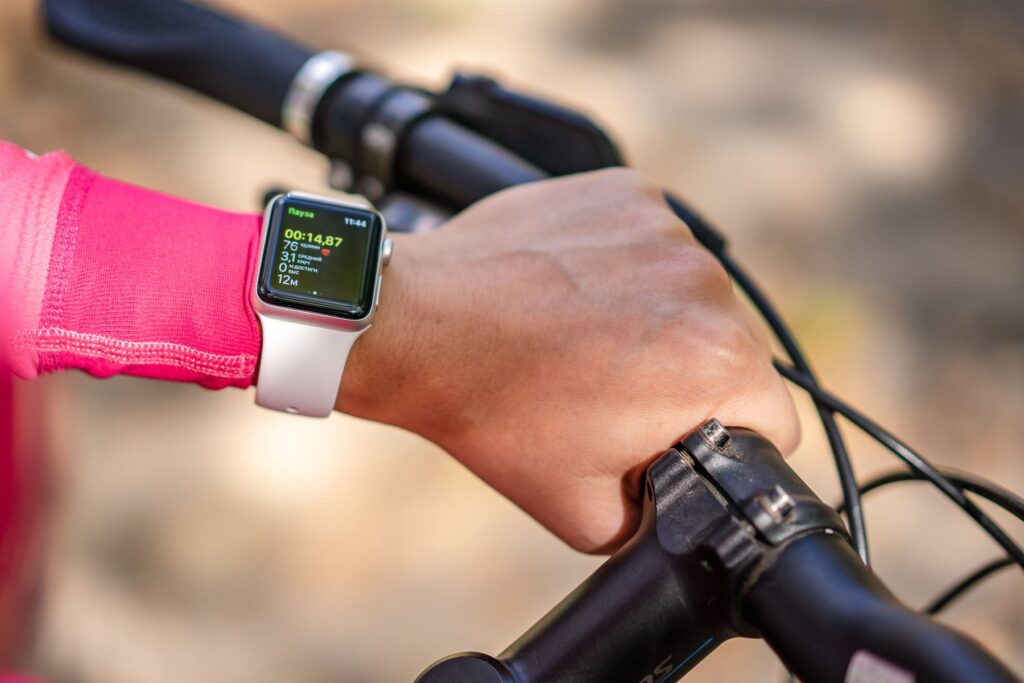
Cycling computers can collect speed, cadence, heart rate, elevation and, when a power meter is present, watts. An AI assistant can help organize those records, but it cannot repair a missing sensor or tell whether a rider is improving from one number. Here is a careful workflow for using AI to compare rides.
Choose a comparison question
Start with one question: did your cadence differ on similar climbs, or were your steady rides more consistent this month? Avoid asking an assistant to judge overall fitness from two unrelated rides. Different gradients, wind, traffic, equipment and stops can make speed comparisons misleading.
Export only the data you need
Build a table with date, moving time, distance, elevation gain, ride type, average cadence, measured power if available, and notes on conditions. The Strava API documents optional cadence, heart-rate and power streams; their presence depends on the recorded file and devices. Do not label an absent power reading as zero watts. If you share exports with an AI service, remove precise home locations and other unnecessary personal information.
Check sensor provenance
Mark whether watts came from an actual power meter, another estimate or no source at all. Check whether zero values were included in averages and whether the computer used smoothing. Garmin’s Edge documentation notes that data averaging settings can affect cadence and power summaries. If two applications report different averages, investigate settings before asking AI to explain physiology.
Compare like with like
Separate flat endurance rides, climbs, intervals and commuting. Compare similar segments and time windows, not only whole-ride averages. USA Cycling emphasizes that climbing cadence depends on the individual and the gearing, gradient and effort. An assistant should not declare one cadence universally optimal.
A prompt that keeps the AI accountable
Compare these cycling sessions only where ride type, duration and terrain are reasonably similar. Identify missing cadence or power readings, distinguish measured from estimated values, show the rows supporting each observation, and list alternative explanations. Do not prescribe training intensity or diagnose health conditions.
Verify every claim
Recalculate a few totals in a spreadsheet. Check suspicious spikes against original files. Ask whether a difference might be explained by terrain, wind, stops, recording gaps or equipment changes. Treat the assistant’s narrative as a hypothesis, not a test result.
Turn findings into a practical review
Write three observations supported by the records, two unresolved questions and one data-quality improvement for next month. For example, consistently logging the route and equipment may be more useful than adding a new AI score. Keep coaching decisions with the rider and qualified professionals where appropriate.
Related 4DEERS guides
For a parallel method with running records, read How to Use AI to Review a Month of Running and How to Compare Running Workouts Without Misreading the Data.