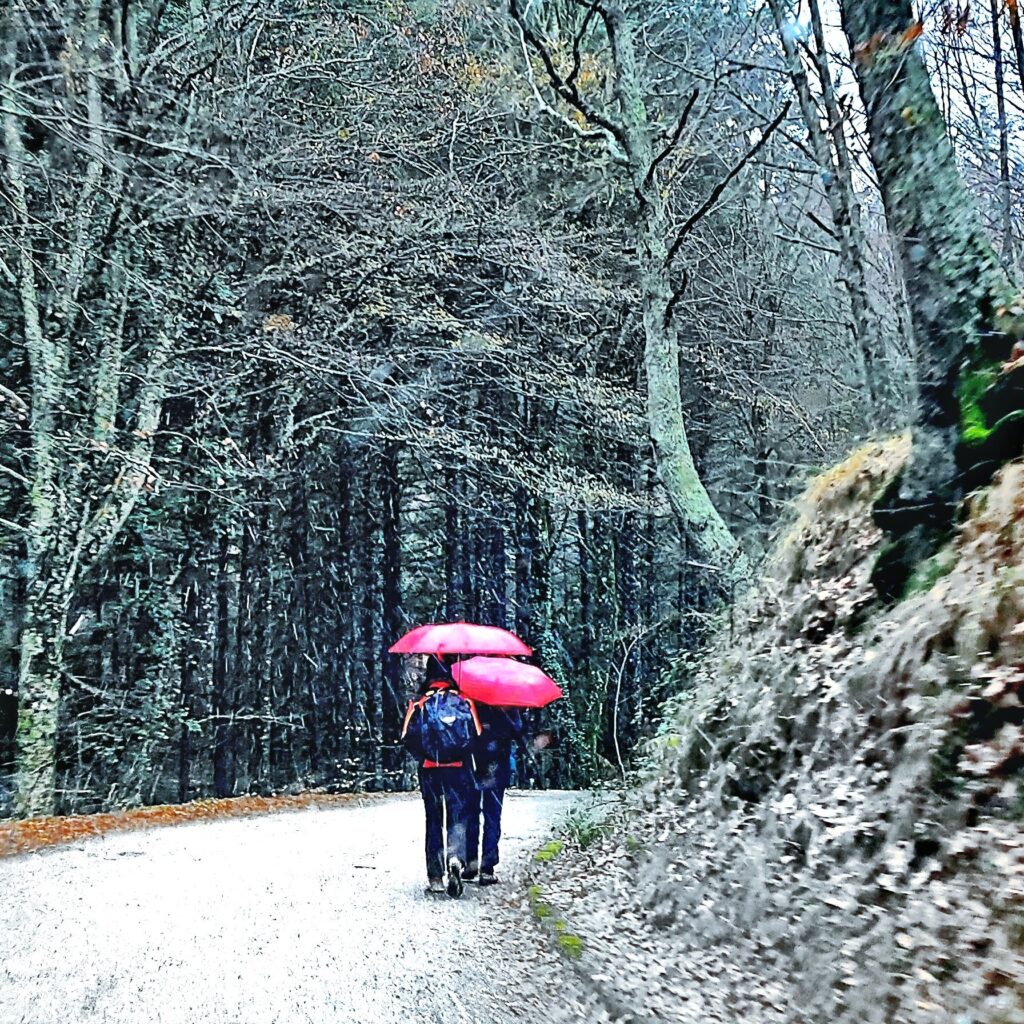
AI can help organize winter hiking information, but it cannot certify a trail as safe. This workflow is for families and recreational hikers comparing official forecasts, daylight, trail notices and their own equipment before choosing whether to go.
1. Collect primary sources first
Record the date and location of the hike, the park’s current trail and road notices, the official hourly weather forecast, weather watches and warnings, sunset time, and any local avalanche bulletin where relevant. Use the park’s own alerts and the National Weather Service rather than an AI-generated forecast. Conditions at the trailhead may differ substantially from higher elevations.
2. Give AI a bounded task
Paste a small, dated table with source URLs, forecast temperature, wind, precipitation, sunset, and official trail restrictions. Ask: “Organize these facts into a pre-trip checklist. Identify missing information, source conflicts, and questions to verify. Do not invent conditions or issue a safety clearance.” Avoid uploading personal location history or children’s details.
3. Audit the output
For each AI statement, trace it back to an exact source. Check units, forecast time zones, forecast validity, trail elevation, and whether an alert has changed. Wind chill describes the rate of heat loss from exposed skin; it is not the actual air temperature. A plausible summary can still omit an important closure, icy section or short daylight window.
4. Make a conservative decision
Set a turnaround time before departure, allow for slower progress on snow or ice, carry navigation and a headlamp, and share the plan with a trusted contact. The National Park Service warns that winter trails may be unmaintained, slippery and much slower than summer trails. If current official information is unavailable, conditions exceed your group’s skills or equipment, or severe weather warnings affect the route, postpone or select a lower-risk outing. Never treat an AI-generated “low risk” label as authorization.
5. Keep a simple verification table
| Question | Primary source | Human check |
|---|---|---|
| Is the route open? | Park alerts and trail conditions | Confirm date and restrictions |
| Will wind and precipitation change? | Official hourly forecast and alerts | Check elevation and update time |
| Can we return before dark? | Sunset time and route information | Add a substantial margin |
| Are snow and ice manageable? | Current park conditions | Assess equipment and experience |
What AI cannot verify
AI cannot inspect the trail in real time, establish safe ice thickness, predict an individual hiker’s response to cold, or replace park rangers and official avalanche professionals. This is trip-planning information, not medical or rescue advice.
Related 4DEERS guides
See our AI hiking route source-check workflow, AI outdoor weather decision checklist, and family hike turnaround plan.