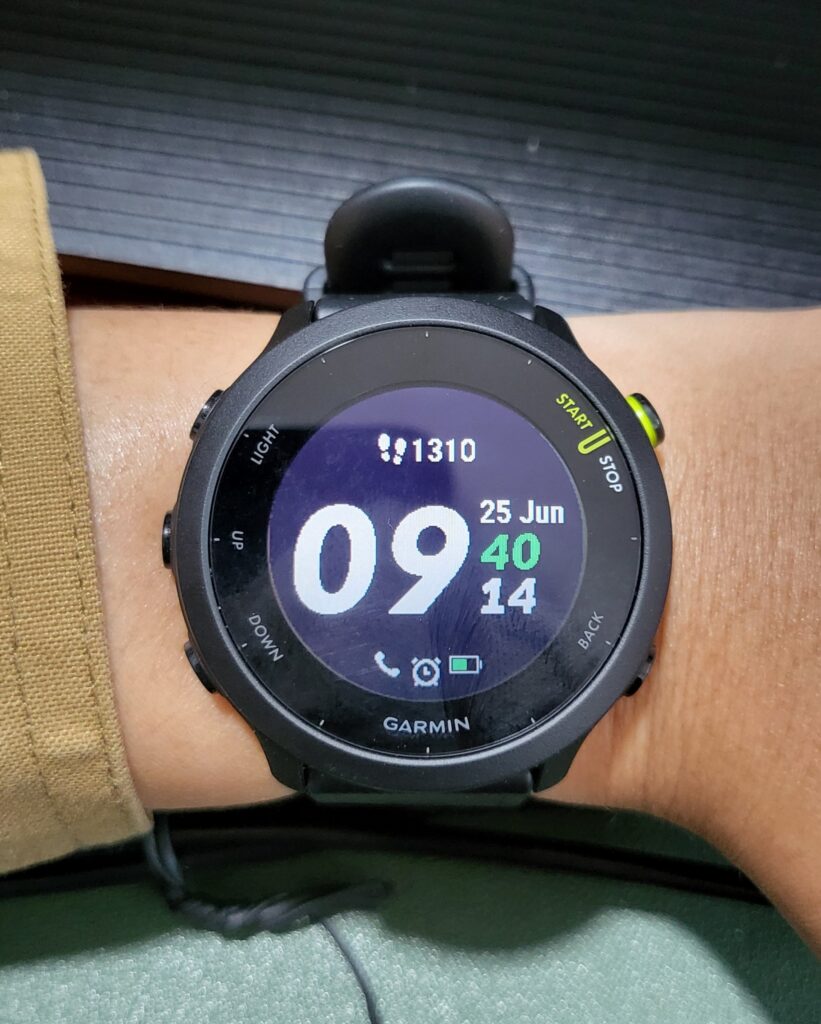
Wearable dashboards can turn hundreds of activity readings into a short story. AI makes that story faster to write, but a neat summary may conceal missing heart-rate data, device changes or GPS errors. This audit helps athletes use AI as a data organizer rather than a measurement instrument.
Define the source of truth
Keep the original activity files or trusted platform exports. Make a table with date, activity type, moving time, elapsed time, distance, elevation, device, available sensor types and a note about recording quality. Record whether values are measured, estimated or absent.
Look for five common gaps
First, check for missing sessions. Second, flag GPS interruptions and treadmill recordings without comparable distance measurements. Third, identify heart-rate or cadence dropouts. Fourth, mark changes in watch, sensor or software settings. Fifth, check whether the AI mixes moving time with elapsed time or miles with kilometers.
Ask AI to inspect quality before trends
Audit this activity table for missing rows, inconsistent units, sensor gaps, device changes and outliers. List the exact rows behind each warning. Do not invent absent measurements, assign readiness scores or diagnose health conditions. Only summarize trends after the data-quality check.
If the assistant cannot show the supporting rows, do not treat its trend claim as verified.
Compare like with like
Separate running from cycling and hiking. Group similar routes, surfaces and intended efforts. A faster ride with a tailwind or a shorter hike with less climbing does not establish an improvement in fitness. Check the underlying activity before accepting any causal explanation.
Verify with simple calculations
Recalculate the total session count and duration in a spreadsheet. Spot-check distances and dates against the original export. The Strava API reference documents activity streams, but field availability depends on the recording and access permissions; a documented field is not proof that a particular activity contains it.
Protect location and personal information
Remove home start points, children’s location data, private routes and unnecessary identifiers before sharing a file with a third-party AI service. Review the service’s retention policy and permissions. For many questions, a small anonymized summary table is sufficient.
Write a useful monthly report
Keep the output to three sections: verified observations, uncertain comparisons and improvements to recording quality. For example, “two rides lack cadence data” is actionable; “your recovery is 18% better” is not credible without a defined validated metric.
Related 4DEERS guides
Read AI Monthly Running Review, AI Cycling Data Review and AI Training Advice Fact-Check.
Sources
- Strava Developers — API Reference
- Strava Developers — API Rate Limits (context for automated data access).