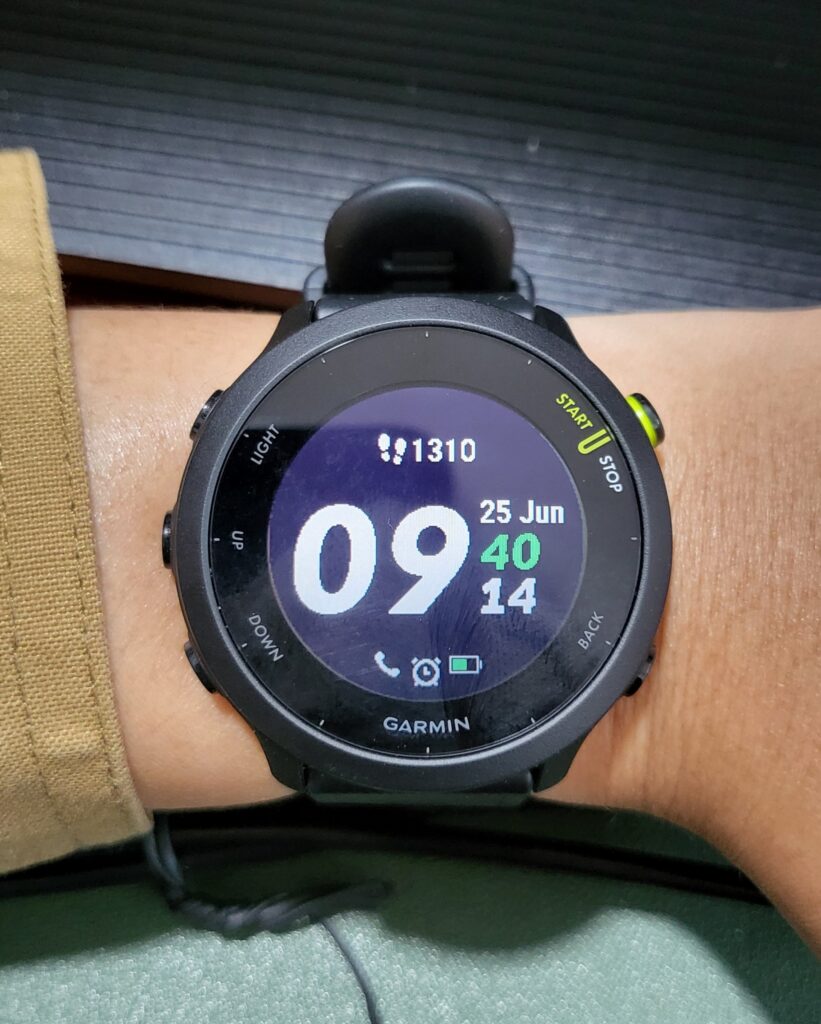
Wearables are very good at collecting data. The harder problem is deciding what deserves your attention. Garmin’s Active Intelligence feature is designed to sit between those two steps by using AI to generate personalized insights from health and activity data in Garmin Connect.
What is Garmin Active Intelligence?
Active Intelligence is part of the Garmin Connect+ subscription. Garmin says it provides AI-powered personalized insights and suggestions based on a user’s health and activity data, and that the experience becomes more tailored as Garmin Connect learns more about the user’s patterns and goals.
The feature is opt-in. Garmin’s support documentation says users can enable or disable it through Active Intelligence privacy settings.
Where the insights appear
Active Intelligence insights appear in the Garmin Connect app rather than directly on the watch. Garmin says they can update throughout the day depending on activity and device use. Once an insight is viewed, it remains visible for a limited period in the app.
This matters because Active Intelligence is best understood as a layer of interpretation on top of Garmin data, not as a new sensor. Your watch still records the activity. The AI attempts to explain what patterns in that data may be worth noticing.
How runners can use it
For runners, the practical value is context. A watch can show pace, heart rate, training load, sleep, and many other metrics. AI can help surface a relationship among those signals instead of requiring the user to inspect every dashboard separately.
That may be useful when asking questions such as: Has training volume increased quickly? Has a recent block been unusually consistent? Are several hard sessions appearing close together? The insight can point you toward the underlying data that deserves a closer look.
How cyclists can use it
Cyclists often accumulate a large volume of activity data, especially when a bike computer, heart-rate sensor, power meter, and smartwatch all feed the same ecosystem. An AI layer can make that history easier to interpret by summarizing patterns rather than forcing the athlete to compare many individual rides.
For riders following a Garmin Cycling Coach plan, it is also important to separate Active Intelligence from Garmin’s other Connect+ features. Garmin lists AI insights and expert training guidance as distinct features. An AI-generated observation is not the same thing as a structured coaching plan.
How hikers and outdoor users can benefit
For hikers, AI may be most useful after the activity rather than during a safety-critical moment. A long day can produce useful information about duration, heart rate, elevation, pace, and recovery, but those metrics do not replace route planning, weather checks, navigation, or judgment on the trail.
Use the AI to understand your history; use established outdoor safety practices to make decisions in the field. Our family hiking safety checklist is a better starting point for go/no-go decisions than any AI-generated training insight.
Why the opt-in model matters
Garmin requires users to agree before Active Intelligence begins generating insights. That is worth paying attention to because AI features become more useful as they gain access to more personal context, but that same context can include sensitive fitness and wellness data.
Before enabling an AI fitness feature, review the privacy controls, decide what level of personalization is useful to you, and know how to opt out later.
What Active Intelligence does not replace
AI can summarize a pattern, but it does not make a sensor reading correct. Wrist-based heart rate can be affected by fit and movement. GPS accuracy can vary. Sleep and recovery estimates are models, not direct measurements of how you feel.
There is also a difference between a training insight and medical advice. If a wearable shows an unusual pattern that concerns you, especially when symptoms are involved, use the device data as information to discuss with an appropriate health professional rather than asking an AI assistant to diagnose the cause.
Traditional Chinese support is a notable detail
Garmin lists Traditional Chinese among the supported languages for Active Intelligence. For users who prefer to review training insights in Traditional Chinese, that makes the feature more accessible than AI tools that launch only in English.
A simple workflow for using Garmin AI well
- Keep activity recording consistent.
- Enable Active Intelligence only if you are comfortable with the data use.
- Read the insight as a prompt to investigate, not a command.
- Open the underlying activities and metrics.
- Compare the AI summary with how the training actually felt.
- Make changes gradually rather than reacting to a single message.
If you want a more conversational approach to sports data, see our guide to Strava and Google Gemini. Apple takes another approach by bringing generative feedback into the workout itself; we cover that in Apple Workout Buddy and AI Fitness.
Where this trend is going
Garmin’s direction shows why AI and sport fit naturally together. Athletes already have plenty of data. The next competitive layer is interpretation: helping users decide which patterns matter and what question to ask next.
The most useful AI sports tools will probably not be the ones that produce the most advice. They will be the ones that reduce noise, explain uncertainty, and help athletes understand their own data without pretending that an algorithm knows everything happening outside the screen.