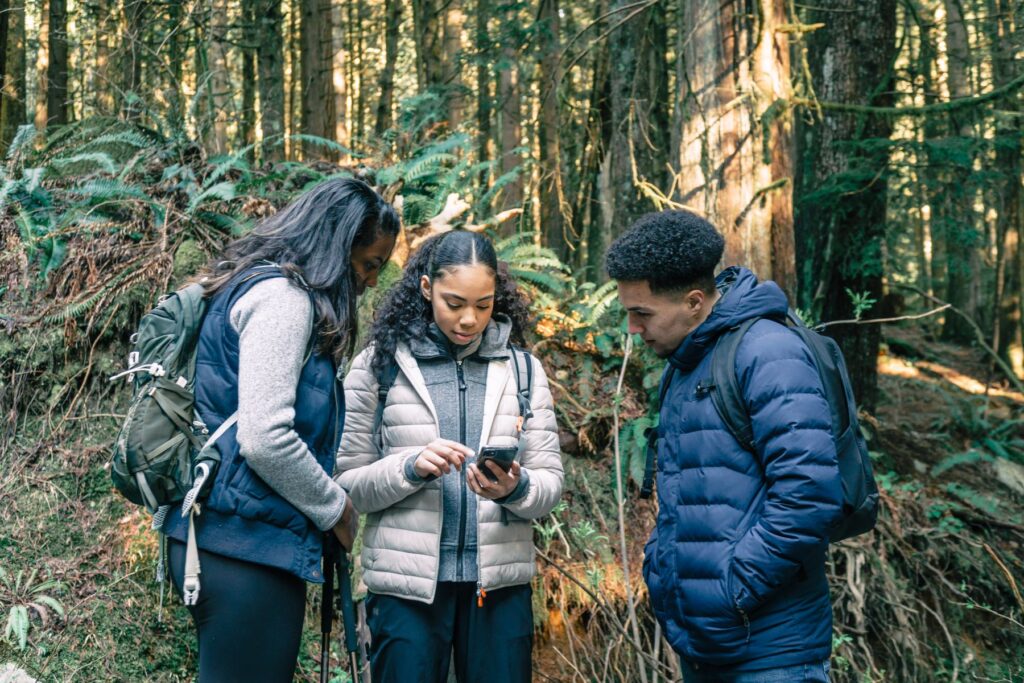
AI can help organize a family hiking plan, but it cannot verify current conditions on the trail. Start with broader family hiking guidance, then use AI only for the limited organizing tasks below.
Where AI helps
An AI assistant can organize a packing list, turn a route description into questions for a park ranger, or suggest a family-friendly schedule. These are drafting and organizing tasks, not evidence that the assistant has checked the trail.
A safe prompt to start with
Ask: ‘Create a family day-hike planning checklist. Do not invent trail closures, opening hours, water availability or weather. Label every item that needs confirmation from an official source.’ Include children’s ages, the group’s experience and a conservative turnaround time, but avoid sharing unnecessary personal details.
Verify the route independently
Open the official park or land-manager page for current trail status, permitted access, distance, elevation gain and any restrictions. Check the latest forecast and alerts from the relevant weather service. AI may summarize old pages or fabricate precise conditions; it cannot confirm that a bridge is open today.
Build a human-controlled turnaround plan
Choose a clear point at which the group turns around regardless of progress. Allow extra time for snacks, breaks and slower walkers. Keep an offline map and a non-phone navigation backup where appropriate. Do not depend on cellular coverage or a chatbot for emergency navigation.
What to pack
Use the National Park Service’s Ten Essentials as a starting point: navigation, sun protection, insulation, illumination, first aid, fire supplies where appropriate, repair tools, food, water and emergency shelter. Adapt the list to the actual route and local regulations. AI should not replace checking equipment before departure.
How to check an AI answer
For each specific claim, ask which official source supports it, then visit that source yourself. If the model cannot provide a verifiable current source, treat the claim as unconfirmed. A confident sentence is not a safety guarantee.
A practical workflow
First choose a route from an official trail source. Next use AI to draft a packing and timing checklist. Then verify weather, closures and route details directly. Finally share the route and expected return time with a trusted person. On the trail, respond to actual conditions rather than a prewritten AI plan.
Read next
Family Hiking Safety Checklist and What to Pack for a Family Day Hike. For wearable AI, see Garmin Active Intelligence.